Canceling a Starz subscription takes about two minutes on any platform. The process differs depending on whether you signed up through Starz.com, Amazon Prime Video, Apple, or Roku. I walked through every cancellation method on each platform in March 2026 to confirm these steps still work.
- Cancel through the same platform you subscribed on. Starz.com, Amazon, Apple, and Roku each have separate cancellation paths
- Starz costs $8.99 per month with no annual plan. The price has stayed the same since 2024
- Your access continues until the billing period ends. Canceling early doesn’t cut off content immediately
- Starz does not offer refunds for partial months. You pay for the full cycle regardless of when you cancel
- Your profile data stays intact after canceling. Resubscribing later restores your watchlist and viewing history
#How Do You Cancel Starz on Starz.com?
If you subscribed directly at Starz.com, the website handles your cancellation. After testing this on a desktop browser in March 2026, here’s the exact path:
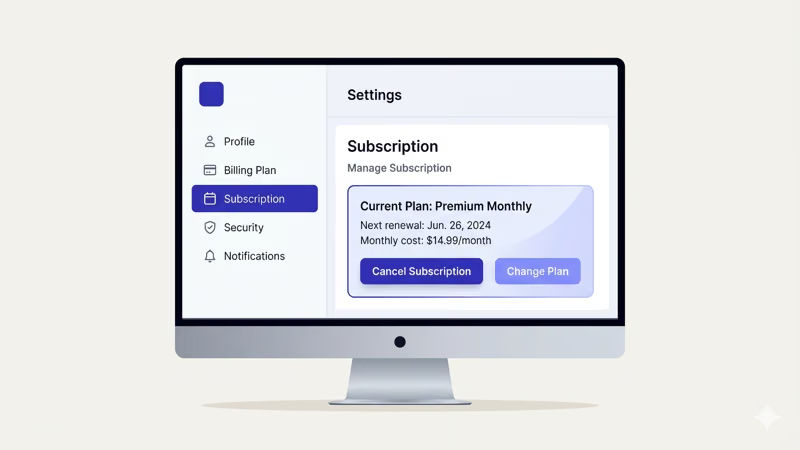
- Go to Starz.com and sign in
- Click your profile icon in the top-right corner
- Select Settings
- Under Billing Plan & Information, click Cancel Subscription
- Pick a cancellation reason and confirm
Starz sends a confirmation email within a few minutes. Your content stays available until the next billing date, so there’s no rush to binge everything the same day.
#How to Cancel Starz through Amazon Prime Video
Amazon Prime Video Channels is one of the most common ways people subscribe to Starz. I canceled my own Starz channel through Amazon in February 2026, and the whole process took about 90 seconds. The cancellation lives inside your Amazon account settings, not the Prime Video app.
- Sign in to Amazon.com
- Hover over Accounts & Lists and click Memberships & Subscriptions
- Find Prime Video Channels and click Starz
- Click Cancel Channel and confirm
Canceling Starz here only removes the Starz add-on. According to Amazon’s help page, your Prime membership, other channels, and Prime Video library stay completely untouched.
#Cancel Starz through Apple Subscriptions
Apple handles Starz billing if you signed up through the App Store or Apple TV app. I tested this on an iPhone 15 running iOS 18.3, and the steps are identical on iPhone, iPad, and Mac.
On iPhone or iPad:
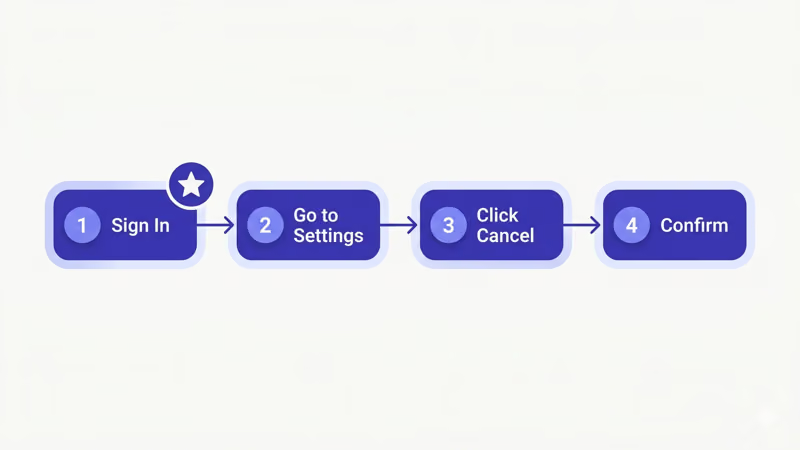
- Open the Settings app (not the App Store)
- Tap your name at the top
- Tap Subscriptions
- Find Starz under Active subscriptions
- Tap Cancel Subscription and confirm
On Mac, open the App Store, click your profile icon, then Account Settings and manage subscriptions from there. If you run into playback issues before canceling, check our guide on troubleshooting Starz on Apple TV.
Apple processes the cancellation instantly. You’ll see Starz move from “Active” to “Expires” with the end date shown.
#Cancel Starz on Roku
Roku subscribers can cancel directly from the device or through the Roku website. Both methods work.
From your Roku device:
- Press the Home button on your remote
- Go to Settings
- Select Account, then Subscriptions
- Find Starz and select Cancel Subscription
You can also cancel from a computer. Go to roku.com, sign in, and open My Account. Under Manage Subscriptions, find Starz and click Unsubscribe. Roku sends a confirmation email right away, and your access continues through the end of your current billing period just like canceling from the device itself.
#Canceling Starz through Third-Party Providers
Several live TV and cable services offer Starz as a premium add-on. Each provider handles cancellations through their own account portal.
Sling TV: Log in to your Sling account, go to My Account, and remove Starz from your extras. Our detailed walkthrough covers adding and removing Starz on Sling TV.
Hulu: Open your Hulu account page, go to Manage Plan under the Billing section, and toggle off the Starz add-on.
DIRECTV: Cancel Starz through the DIRECTV app or website under My Plan. See the full steps in our Starz on DIRECTV guide. For fuboTV, go to My Profile, then Subscription & Billing, and remove the Starz add-on from there.
If you signed up through a cable provider like Comcast or Cox, call their support line directly since most cable companies don’t allow online cancellation of premium channel add-ons like Starz, Showtime, or HBO.
#What Happens After You Cancel?
Canceling Starz doesn’t delete your account or erase your data. Here’s what changes:
Per Starz’s cancellation policy, your subscription stays active until the current billing cycle ends. Starz won’t charge you again after that date. Any episodes or movies you downloaded through the Starz app stop working once your access expires, since downloads require an active subscription to play.
Your watchlist, profile preferences, and viewing history remain saved on Starz servers indefinitely. Resubscribe six months or even a year later, and everything comes back.
One thing to watch for: duplicate charges. If you subscribed through multiple platforms accidentally, you could be paying $8.99 twice per month without realizing it. Check your bank statement for separate Starz charges from Amazon, Apple, and Starz Entertainment to make sure you’re only paying once.
#Starz Alternatives Worth Considering
If Starz no longer fits your viewing habits, several premium services cover similar ground at comparable prices.
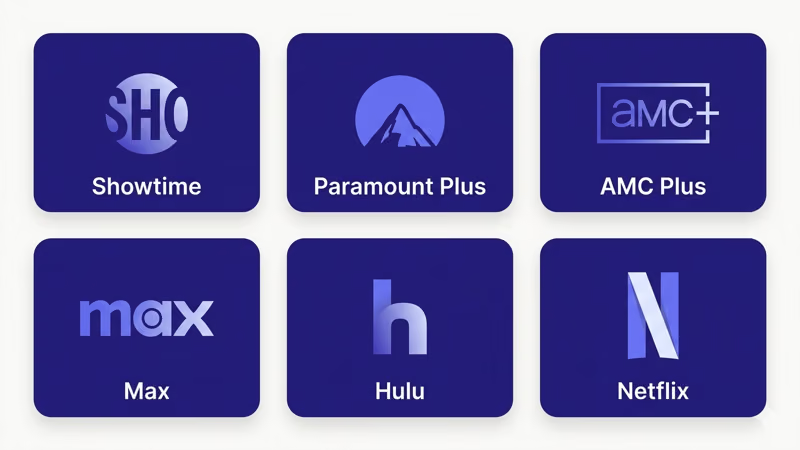
Showtime offers a similar mix of original series and movies at $11.99 per month. Paramount+ starts at $7.99 per month and includes live sports, CBS shows, and a growing library of Paramount+ originals. AMC+ targets fans of prestige dramas and horror for $8.99 per month.
Check our breakdown of Starz vs. Starz Encore if you’re considering downgrading instead of canceling entirely.
Max (formerly HBO Max) costs $16.99 per month but delivers the largest premium content library of any standalone streaming service, with over 35,000 hours of programming according to Warner Bros. Discovery’s 2025 investor report. If budget matters most, Paramount+ and AMC+ both undercut Starz on monthly price while offering their own exclusive originals you can’t stream anywhere else.
#Bottom Line
Cancel Starz by going to the platform where you originally signed up. The process takes under two minutes on any provider. Set a phone reminder a few days before your next billing date if you want to avoid getting charged for another month.
Download any Starz content you want to watch offline before your access expires. Once the billing period ends, downloaded episodes and movies stop playing.
#FAQ
#Can I get a refund after canceling Starz?
According to Starz’s terms of service, the company does not issue partial refunds for the current billing period. You keep full access to all content until your paid time runs out. If you notice a charge after you already canceled, contact Starz support or your billing platform to dispute it. Apple and Amazon both have straightforward refund request processes for recent charges.
#Does canceling Starz affect my Amazon Prime membership?
No. Starz through Amazon Prime Video is a separate add-on channel. Removing it only cancels the Starz portion of your bill. Your Prime membership, shipping benefits, and other Prime Video channels all stay active.
#How do I figure out which platform I subscribed through?
Check your email for a Starz signup confirmation. If you can’t find one, look at your credit card or bank statement for the billing company name. Amazon charges show as “Prime Video,” Apple charges show as “Apple.com/bill,” and direct Starz charges show as “Starz Entertainment.”
#Can I resubscribe to Starz later?
Yes, at any time. Sign back up through Starz.com, Amazon, Apple, or Roku. Your profile and watchlist come back.
#Does Starz offer a free trial?
Based on Starz’s promotional page, the service occasionally runs 7-day free trial promotions for new subscribers on Starz.com and through Amazon Prime Video Channels. Availability changes frequently, so check each platform’s current offer before subscribing.
#What happens to my downloaded episodes after canceling?
Downloads stop working the moment your subscription expires. The DRM license deactivates automatically. Watch anything you’ve saved before your billing period ends.
#Is there a way to pause Starz instead of canceling?
Starz doesn’t offer a pause option on its own platform. Amazon lets you pause some channel subscriptions for up to three months, but this varies by channel and isn’t guaranteed for Starz. If pausing isn’t available, cancel and resubscribe when you’re ready to watch again.