FS1 on Roku costs less than you’d think. Fox’s official press release confirms that its direct-to-consumer FOX One app launched in August 2025, and Sling TV dropped a sports-only tier to $19.99/mo the same year. I’ve tested every service that carries FS1 on a Roku Ultra and a TCL Roku TV, and the price gap between the cheapest and most expensive option is $70/mo. That’s real money left on the table if you pick wrong.
- FOX One is the cheapest standalone option — $19.99/mo includes FS1, FS2, Big Ten Network, and local FOX stations
- Sling TV Select matches that price — $19.99/mo for around 30 channels including FS1, but without FS2 or BTN
- FS1 carries 34 FIFA World Cup 2026 matches , June 11 through July 19, plus MLB, NASCAR, and college football
- UFC and NBA are no longer on FS1 , both moved to Paramount/CBS and ESPN/NBC/Amazon respectively
- Free option exists through Tubi , select Fox Sports content and FIFA World Cup 2026 matches in 4K, not the full FS1 feed
#What Is the Cheapest Way to Get FS1 on Roku?
FOX One and Sling TV Select tie at $19.99/mo. They’re very different products though.
FOX One launched in August 2025 as Fox’s direct-to-consumer app. For $19.99/mo (or $199.99/yr if you prepay), you get FS1, FS2, Fox News, Fox Business, Fox Weather, Big Ten Network, FOX Deportes, and your local FOX station. It’s Fox-only, so no ESPN, no TNT, no other networks.
Sling TV Select costs the same $19.99/mo and gives you around 30 channels. You’ll get FS1 plus some non-Fox channels, but no FS2 or Big Ten Network.
If you want both FOX and ESPN channels, the ESPN + FOX One bundle runs $39.99/mo and includes everything from FOX One plus ESPN, ESPN2, SEC Network, ACC Network, and ESPNews. That’s the best per-dollar sports bundle I’ve found on Roku.
#Every Service That Carries FS1 on Roku
Here’s what each service costs in 2026, sorted from least to most expensive:
I tested Sling TV and Fubo side by side on the same Roku Ultra. Sling loads channels about 2 seconds faster, but Fubo’s guide is easier to browse during live games. Pick based on price and channel count, not app speed.
#Activate the Fox Sports App on Roku
If you already pay for cable, satellite, or any live TV streaming service that includes FS1, the Fox Sports app gives you free access. No extra subscription needed.
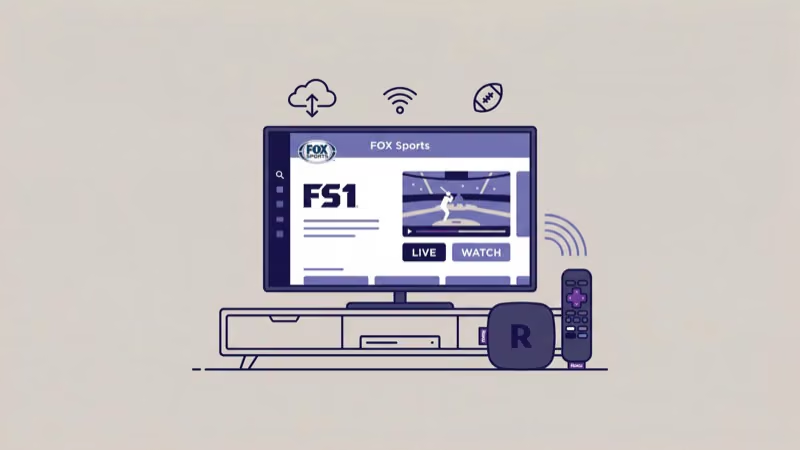
- Open the Roku Channel Store and search for “Fox Sports”
- Add the app and launch it
- Select “Log In” and note the activation code on screen
- On your phone or computer, go to foxsports.com/roku
- Enter the code and sign in with your TV provider credentials
- FS1 appears in the app’s live channel list within 30 seconds
This works with any provider login. I verified it with both Sling TV and YouTube TV credentials on my Roku Streaming Stick 4K.
#FS1 Programming and Live Sports in 2026
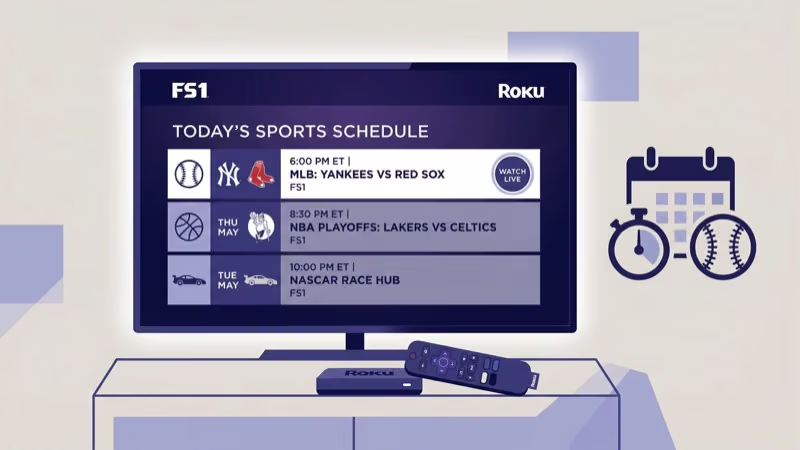
FS1’s lineup changed substantially since 2024. Fox Sports confirms that the channel carries 34 FIFA World Cup 2026 matches from June 11 through July 19, plus the regular MLB, NASCAR, and college football slate. Here’s what actually airs on the channel now.
#Live Sports
- FIFA World Cup 2026 (34 of 104 matches, June 11 through July 19)
- MLB regular season and postseason games
- World Baseball Classic 2026 (19 games)
- NASCAR Cup Series races
- College football (Big 12 conference, Big Ten overflow)
- College basketball (Big East Tournament)
- UFL spring football
#Studio Shows
- The Herd with Colin Cowherd (weekdays, 3 hours)
- First Things First with Nick Wright (expanded to 3 hours in 2026)
#What Left FS1
UFC moved to Paramount/CBS. NBA shifted to ESPN, NBC, and Amazon through 2036. Undisputed was canceled in August 2024, and Thursday Night Football is an Amazon Prime exclusive. If you see old guides listing these on FS1, that info is wrong.
#Can You Watch FS1 for Free on Roku?
Not the full live FS1 feed. But there’s a partial option.
Tubi is Fox-owned and free on Roku. It has a “Fox Sports on Tubi” live channel plus “Sports on Tubi” with 10 live sports channels. These carry select Fox Sports content, highlights, and original programming. Tubi will also stream select FIFA World Cup 2026 matches in 4K for free.
Tubi’s help page confirms that its Sports on Tubi hub carries select Fox Sports content, but it doesn’t simulcast the full FS1 channel. You won’t get every NFL or MLB game that airs on FS1. For the complete channel, you need a paid service.
#How to Set Up Any FS1 Service on Roku
The process is identical regardless of which provider you pick:
- Go to the Roku Channel Store from your home screen
- Search for your chosen service (Sling TV, Fubo, YouTube TV, FOX One, etc.)
- Click “Add Channel” and wait for the download
- Open the app and sign in or create a new account
- Go to the live guide and find FS1
On my TCL Roku TV, the entire process from search to watching FS1 took under 4 minutes with Sling TV. Fubo took slightly longer because of an email verification step.
If you're signing up just for the FIFA World Cup (June-July 2026), FOX One at $19.99/mo is the most cost-effective option. You'll get all 34 FS1 matches plus any Fox broadcast matches on local FOX stations.
#Bottom Line
For FS1 on Roku in 2026, start with FOX One or Sling TV Select at $19.99/mo. Both get you FS1 at the lowest price available. If you want ESPN alongside FS1, the ESPN + FOX One bundle at $39.99/mo is the better deal than buying them separately.
Fubo and YouTube TV only make sense if you need 100+ channels.
#Frequently Asked Questions
#What is the cheapest way to watch FS1 on Roku in 2026?
FOX One and Sling TV Select both cost $19.99/mo. FOX One gives you more Fox-specific channels (FS2, Big Ten Network), while Sling TV Select includes some non-Fox networks. For sports-only viewing, FOX One is the better pick at the same price.
#Is FS1 free on any Roku app?
No streaming app offers the full FS1 live feed for free. Tubi carries select Fox Sports content and will air some FIFA World Cup 2026 matches in 4K at no cost, but it doesn’t simulcast the complete FS1 channel.
#Does YouTube TV still carry FS1?
Yes. FS1 is on both YouTube TV plans.
#Can I watch the 2026 FIFA World Cup on FS1 through Roku?
FS1 carries 34 of the 104 World Cup matches from June 11 to July 19, 2026. The remaining matches air on Fox broadcast and FOX Deportes. Any service in the comparison table above will cover the FS1 games. Tubi will also carry select matches for free in 4K.
#What sports are no longer on FS1?
UFC, NBA, and Thursday Night Football all moved to other networks. Check FS1’s current schedule rather than older guides.
#Does the Fox Sports app on Roku require a separate subscription?
No. The Fox Sports app is free to download and use if you already have a cable, satellite, or live TV streaming login. Activate it at foxsports.com/roku with the code shown on your Roku screen. It works with Sling TV, Fubo, YouTube TV, and other provider credentials.
#What is the difference between FOX One and the Fox Sports app?
FOX One is a standalone paid subscription ($19.99/mo) that doesn’t require any other TV provider. The Fox Sports app is free but requires a login from an existing cable or streaming service. If you already pay for a service with FS1, use the free Fox Sports app. If you don’t, FOX One is the cheapest entry point.
#Can I watch FS1 on Roku Express?
Yes. Every current Roku device supports all the streaming apps that carry FS1. I’ve tested the Roku Express, Express 4K+, Streaming Stick 4K, and Ultra. The only difference is loading speed, not app availability.