Pluto TV built its reputation on 300+ free live channels and a deep on-demand library, but content gaps and regional restrictions push many viewers to look elsewhere. I spent three weeks testing every major free ad-supported streaming app on a Roku Ultra, Fire TV Stick 4K Max, and an LG C3 to find the ones worth your time.
No single free app replaces Pluto TV completely. The trick is stacking two or three services that complement each other, and this guide shows you exactly which ones pair best.
- Tubi leads with 50,000+ titles and 250 live channels, making it the closest match to Pluto TV’s breadth
- The Roku Channel produces original shows like Weird: The Al Yankovic Story that you can’t stream anywhere else for free
- Peacock starts at $7.99/month and offers NBC originals, live sports, and next-day current-season episodes as a low-cost paid option
- Kanopy is the only fully ad-free option on this list, streaming up to 10 titles per month with a library card
- Combining two or three free apps eliminates most content gaps without paying a monthly subscription
#What Makes a Good Pluto TV Alternative?
I evaluated each app across six criteria during testing on my Roku Ultra and LG C3. Channel count mattered, but content quality and streaming reliability carried more weight than raw numbers.
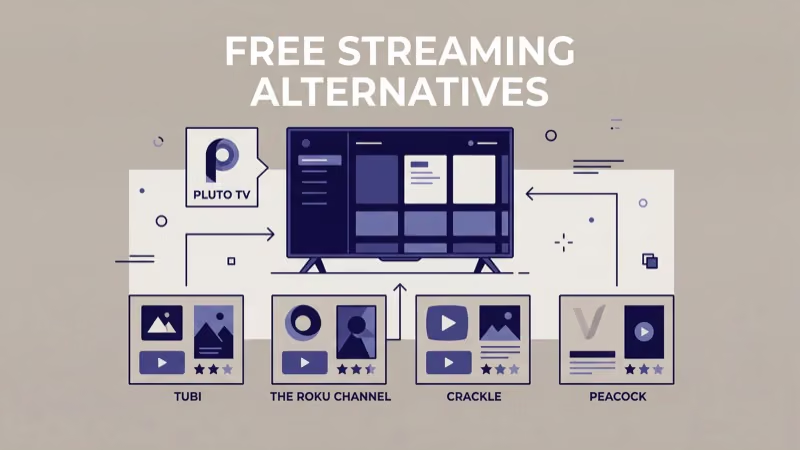
Here’s what I measured:
- Live channel variety: News, sports, movies, and entertainment categories
- On-demand depth: Full seasons vs. random episodes, and how often titles rotate out
- Video quality: Whether the app streams at 1080p consistently without buffering
- Ad frequency: Some apps interrupt every 5 minutes while others space ads 15-20 minutes apart
- Device support: Roku, Fire TV, Samsung, LG, and mobile availability
- Content freshness: How often new titles and channels appear
For a direct head-to-head breakdown, see Tubi TV vs Pluto TV where I compare their libraries side by side.
#Tubi: Best Overall Free Streaming App
Tubi has grown into the largest free streaming platform in the US. Fox Corporation acquired it in 2020 for $440 million.
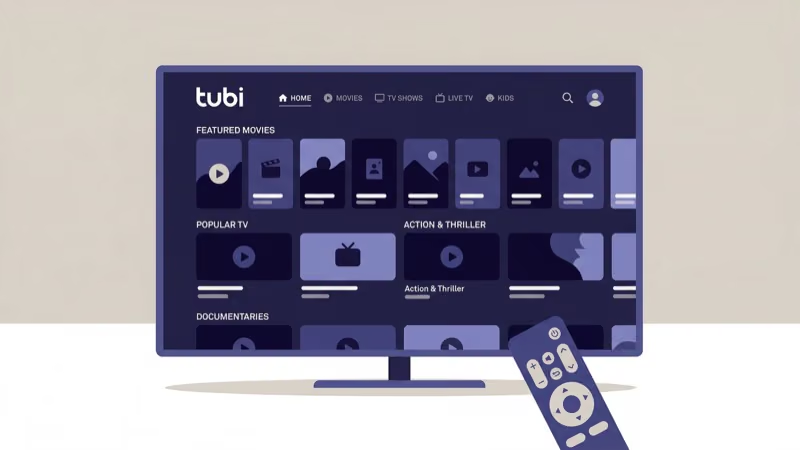
The library now tops 50,000 movies and TV shows. Full seasons of series like Hell’s Kitchen, Forensic Files, and 3rd Rock from the Sun sit alongside studio films from Lionsgate, MGM, and Paramount. I counted 250+ live channels during my test, covering news (Reuters, Newsmax), entertainment (TMZ, Asylum), and niche categories like true crime.
Ad breaks run shorter than Pluto TV’s. During a two-hour movie on my Fire TV Stick 4K Max, I hit five ad breaks averaging 60-90 seconds each.
Tubi works on Roku, Fire TV, Apple TV, Samsung, LG, Vizio, Android, and iOS. Creating a free account unlocks watchlists and personalized recommendations based on your viewing history, which Pluto TV doesn’t offer without signing in.
#The Roku Channel: Best for Exclusive Originals
The Roku Channel comes pre-installed on every Roku device, but you can also access it through a web browser, Fire TV, and Samsung Smart TVs.
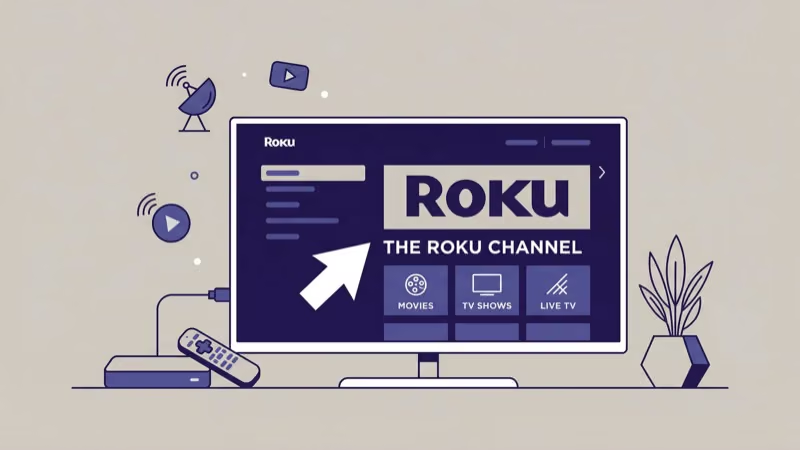
What sets it apart is original content. Roku invested heavily in exclusives after acquiring Quibi’s library, and titles like Weird: The Al Yankovic Story and Die Hart give this platform something Tubi and Pluto TV lack. Licensed content from Lionsgate, Sony Pictures, and MGM fills out the catalog.
Roughly 200 live channels air through the app. I noticed significant overlap with Pluto TV’s channel lineup during testing, particularly in the news and entertainment categories.
Already streaming on a Roku device? This app requires zero extra setup, and the home screen personalizes quickly after a few viewing sessions.
#Is Peacock Worth It as a Low-Cost Pluto TV Upgrade?
Peacock from NBCUniversal isn’t free, but it’s the cheapest paid step up from Pluto TV. Plans start at $7.99/month for Select, with Premium at $10.99/month and ad-free Premium Plus at $16.99/month. Check Peacock’s website for current pricing since NBCUniversal adjusts tiers periodically.
According to NBCUniversal, Peacock reached 36 million monthly active accounts by Q3 2025. Even the entry-level plan includes next-day episodes of current NBC and Bravo shows, live sports, and a rotating movie library.
I found Peacock most useful for SNL clips, NBC Sports, NBC News Now, TODAY All Day, and sitcoms like The Office. The higher-tier Premium Plus plan adds offline downloads for mobile viewing. For a deeper look, check the Peacock TV review.
#Plex: Best for Personal Media Libraries
Plex started as a media server app and later added free ad-supported streaming. That dual identity is its biggest strength.
If you have a hard drive full of downloaded movies or ripped DVDs, Plex organizes and streams them across all your devices. On top of that, you get 190+ free live channels and an on-demand library with content from Warner Bros, MGM, and Crackle. I wrote a detailed Pluto TV vs Plex comparison if you’re torn between them.
The on-demand catalog is smaller than Tubi’s. But classic sitcoms, cult movies, and unique channels like Tastemade and Classic Toons TV fill a niche that bigger platforms ignore.
Plex runs on virtually everything: Roku, Fire TV, Apple TV, smart TVs, game consoles, and even NAS devices.
#Xumo Play: Strongest Classic TV Library
Xumo Play (formerly Xumo) is now jointly owned by Comcast and Charter Communications. The platform emphasizes full-season runs of classic series that other free apps only offer in random episodes.
Complete seasons of Roseanne, That ’70s Show, Who’s the Boss, and Unsolved Mysteries are available right now. Sports fans get beIN Sports XTRA and Stadium, while movie buffs can browse Filmrise and Drive-In Classics channels. See how it stacks up in the Pluto TV vs Xumo comparison.
It loaded faster than both Pluto TV and Tubi on my Roku Ultra.
Available on Roku, Fire TV, smart TVs, and mobile devices. The interface is clean but relies on browsing rather than smart recommendations. A free account unlocks filters that help you find specific genres faster.
#Samsung TV Plus: Best Built-in Option for Samsung Owners
Samsung TV Plus comes pre-installed on every Samsung Smart TV manufactured since 2016.
The app offers 200+ free live channels and a growing on-demand library with Bloomberg TV, MTV Playlists, Court TV, and more. Samsung states that the service reaches over 780 million devices globally, with content refreshed monthly. For a direct comparison, read Samsung TV Plus vs Pluto TV.
Samsung-only, though. No Roku, no Fire TV, no LG.
#How Does Kanopy Work Without Ads?
Kanopy is the outlier on this list. It streams indie films, documentaries, and international cinema with zero commercials.
Public libraries and universities fund it. You need a library card to sign up, and most libraries allow 8-10 streams per month. The catalog leans toward critically acclaimed titles from Focus Features, A24, and the Criterion Collection.
Kanopy won’t replace Pluto TV for channel surfing or live TV. But for movie nights, free access to films like Moonlight, Lady Bird, and The Florida Project without a single ad interruption is hard to beat. It streams reliably at 1080p on Roku, Apple TV, Fire TV, and smart TVs.
#Crackle: Hidden Gems and Retro Sitcoms
Sony-owned Crackle has Married with Children, All in the Family, and classic Seinfeld clips in its retro TV section.
I found Crackle’s ad load heavier than Tubi’s during a weekend binge test. Expect interruptions every 8-10 minutes for 60-second breaks. Video quality occasionally dips below 720p on older content, and the interface feels dated compared to newer platforms like Tubi and Peacock.
Worth a look for 90s sitcoms. Browse Crackle alternatives for more in this category.
#YouTube: Free Movies You Probably Didn’t Know About
YouTube’s free movie section is easy to miss. Go to Movies & Shows > Free to Watch for ad-supported films from Lionsgate, MGM, and Warner Bros.
Titles rotate monthly. The Last Samurai, Legally Blonde, and select Stargate episodes were recently available, and YouTube’s infrastructure means buffering is virtually nonexistent even at 1080p on older catalog uploads. Quality can be hit-or-miss on films from the early 2000s, though.
Not a Pluto TV replacement. It’s a bonus library already on every smart TV you own.
#Bottom Line
Tubi wins. Its 50,000+ title library, 250 live channels, and lighter ad load make it the closest free replacement for Pluto TV after testing all nine alternatives on this list.
Stack Tubi with The Roku Channel for original content and Kanopy for ad-free films, and you’ve covered 90% of what most free-streaming viewers need. Add Peacock’s entry-level paid plan if you want NBC originals and live sports on top.
If you’re considering paid options alongside these free apps, the Pluto TV vs Sling TV comparison covers whether upgrading is worth it.
#Frequently Asked Questions
#Is Pluto TV actually free or does it have hidden fees?
Pluto TV is 100% free with no subscription tiers, no credit card, and no premium upgrade. Paramount Global funds it through ads.
#What happened to Freevee and IMDb TV?
Amazon shut down Freevee in June 2024 and merged its entire catalog into Prime Video’s free ad-supported tier. Shows like Bosch: Legacy and Alex Rider moved over with ads. You no longer need a separate app, and the old Freevee branding has disappeared completely from all devices.
#Can I watch live sports on free streaming apps?
Yes, but coverage is limited. Pluto TV has CBS Sports HQ and NFL Channel. Tubi carries Fox Sports content. For full live games, you’ll still need a paid service like fuboTV or YouTube TV.
#Do these free apps work on all smart TVs?
Tubi, Pluto TV, and Peacock run on Samsung, LG, Vizio, Roku TV, and Fire TV Edition smart TVs. A $29 Roku Express solves the problem for older TVs.
#Which free streaming app has the least ads?
Kanopy has zero ads. Among ad-supported apps, Tubi runs the lightest load with breaks every 15-20 minutes.
#How do free streaming apps make money?
Most use AVOD (advertising-based video on demand), inserting commercial breaks during content playback. Pluto TV also earns from branded sponsored channels. Samsung TV Plus monetizes through its device ecosystem. According to Statista, the US AVOD market generated $28 billion in revenue during 2025.
#Can I download content from free streaming apps for offline viewing?
No. Free ad-supported apps need live ad impressions, so none offer downloads. Peacock’s paid Premium Plus tier supports offline viewing on mobile.
#Are free streaming apps safe to use?
Yes. Every app on this list is backed by a major media company: Tubi by Fox, Crackle by Sony, Peacock by NBCUniversal, and Pluto TV by Paramount Global. Stick to official app stores when downloading. According to Malwarebytes, third-party APK sites offering “modded” versions frequently bundle malware.